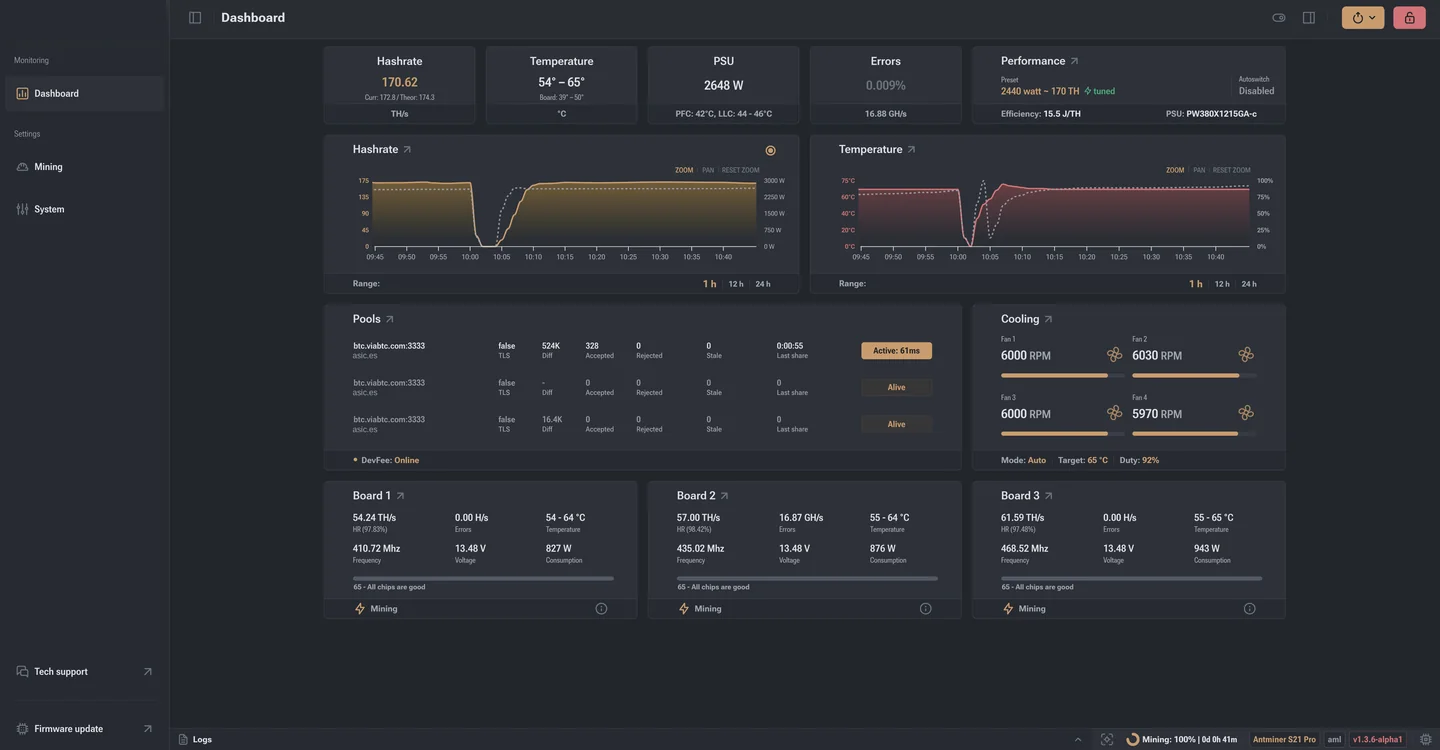
General settings and firmware backup
General settings: backup, reset, return to stock
Five seconds spent on a settings archive save an hour of setup after a failed experiment. People come here rarely, and usually once something has already broken.
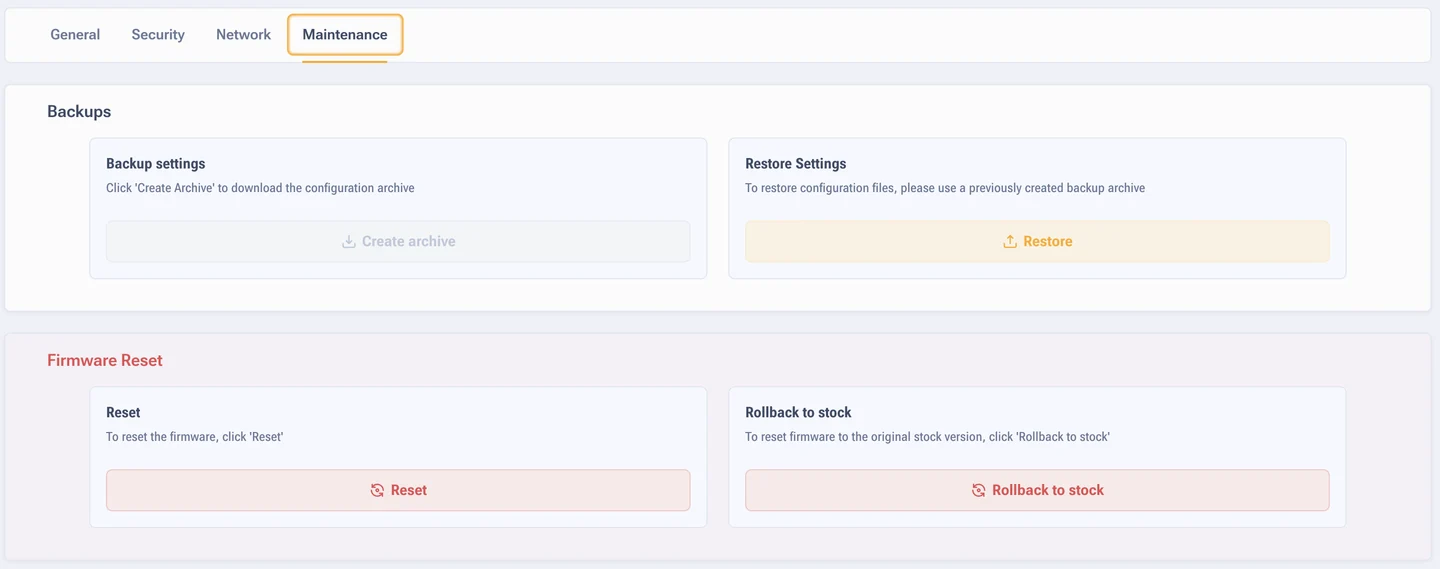
Backup
The button builds an archive holding pools, overclocking profiles, cooling modes, network and system settings. The file is saved to your computer.
When to make an archive:
- Before a firmware update, even with settings transfer enabled.
- Before experiments with overclocking.
- Once the ASIC has finally settled and runs the way you want. That state is worth keeping.
- Before sending the ASIC to hosting or to repair.
Restore is the reverse: you upload the archive and the firmware puts the parameters back as they were. Handy for cloning settings onto identical ASICs too, just remember afterwards to give them separate worker names and addresses.
Settings reset
This resets the configuration, not the firmware: the software version stays the same. It helps with tangled settings, profile conflicts and odd interface behaviour. After a reset you have to set the ASIC up again, pools included.
Return to stock firmware
When you need it: before selling the ASIC, for a warranty claim, or if the firmware did not suit you for some reason. Factory build files are on the page with Bitmain stock firmware. After a clean rollback no trace of the install is left, more on that in the section on warranty.
Remember the passwords: on stock the default password is root, not
admin. And check in advance whether you will then need
unlocking to come back.
Region and appearance
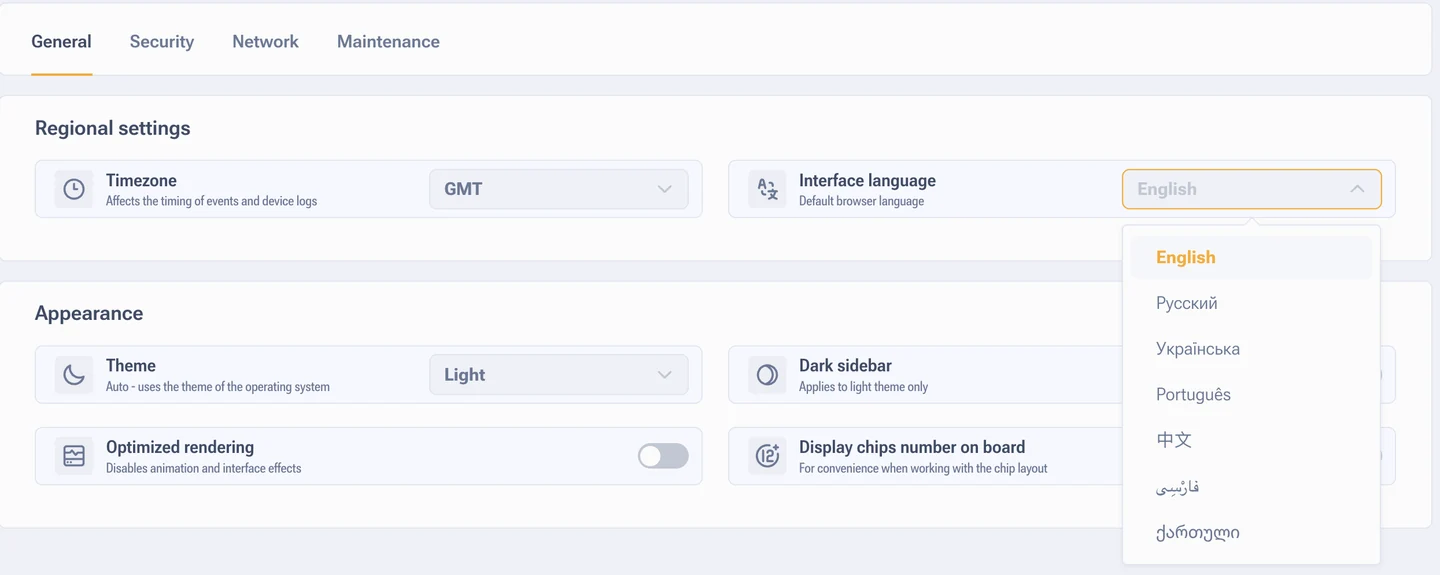
- Time zone. It sets the time in logs, events and reports. Data centres usually leave GMT so that every ASIC speaks the same time.
- Interface language. You can switch it here or in the quick actions, details below.
- Theme. Light, dark or Auto, details below. The dark side panel works only in the light theme.
- Interface optimisation. Fewer animations, less load on the controller.
- Chip numbers on the boards. A small thing that saves time in diagnostics: when a particular chip drops out, you see its number straight away.
Interface language
The firmware is translated into seven languages: English, Russian, Ukrainian, Portuguese, Chinese, Persian and Georgian. The setting sits in the Regional settings block next to the timezone. By default the browser language is taken.
Interface theme
The switch sits in the System section, General tab, Appearance block. There are three modes:
- Light. The default look, every screenshot in this documentation is taken in it.
- Dark. The same dashboard on a dark background, easier on the eyes at night and in a windowless hall.
- Auto. The firmware takes the theme from the operating system where the browser is open.
The choice is stored in the miner settings and survives a reboot. You can also switch without opening the settings: the same list of themes is in the quick actions panel, see buttons and quick actions.