


ASIC energy efficiency: joules per terahash
Efficiency in J/TH: the main number behind the economics
One number that models, profiles and whole farms get compared by. It is worked out simply: consumption divided by hashrate.
| J/TH | Rating |
|---|---|
| 30 and below | High efficiency |
| 30 to 35 | Standard efficiency |
| above 40 | Low efficiency |
Less means better: the fewer joules go into a terahash, the cheaper the work is. On an expensive tariff this is the number that decides whether the ASIC brings money in or not. How to bring it down is covered in the section on energy efficiency.
Where efficiency is used
- Comparing models before a purchase. Hashrate without efficiency says little.
- Choosing a profile. Walk through the presets and look at where J/TH is lowest. Usually it is neither the fastest profile nor the slowest.
- Judging wear. Efficiency that slowly creeps up month after month on the same settings is a sign of chip degradation or of cooling going downhill.
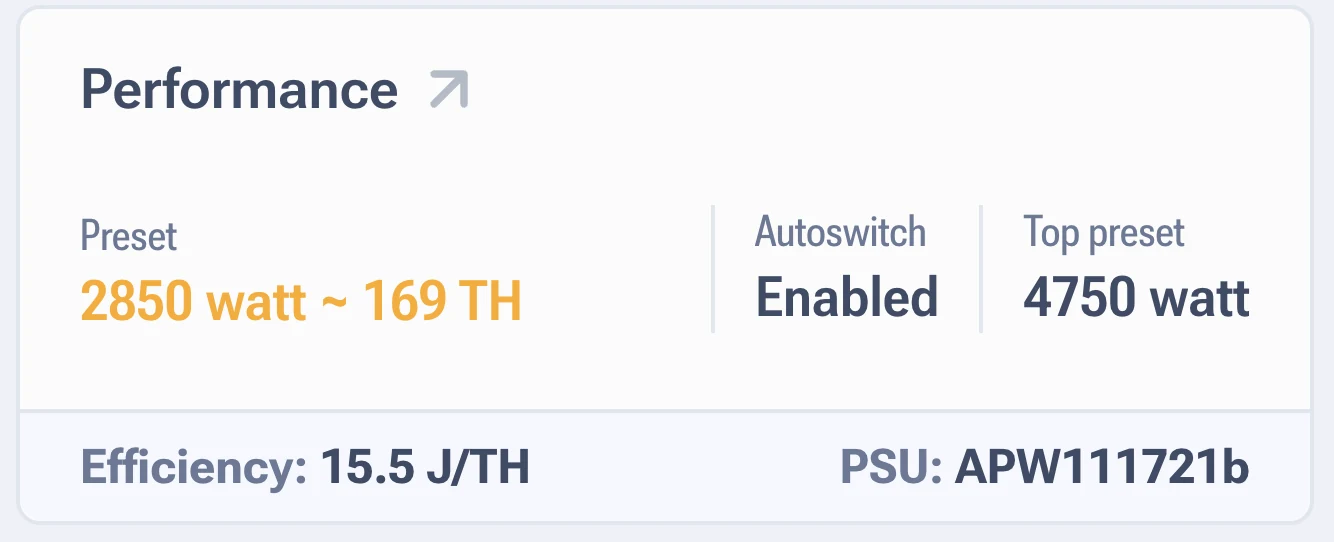
Do not compare different algorithms
The L series is counted in J/MH, because its hashrate is in Scrypt megahashes. The number there
is orders of magnitude different and there is no converting one into the other. Compare only
within your own algorithm.
Why it shows zero
If no autotuning profile is selected, on some models consumption is counted as zero, and efficiency goes to zero along with it. Pick a preset and both readings appear. Details are in the section on consumption.
And keep in mind where the number comes from: on the x19 series the calculation uses a formula, not a measurement. For real efficiency, work from a smart plug reading.
Quick answers
What J/TH counts as good for an S19 Pro?
On stock it is about 29 to 30 J/TH. On an economy profile you can realistically go noticeably lower, the exact figure depends on chip quality.
Efficiency went from 31 to 34 J/TH over six months. What happened?
Most often a dusty heatsink or dried out thermal paste, less often chip degradation. Start with cleaning and checking the fans.