


Error widget in AsicBoost firmware
Errors: how many percent you can live with
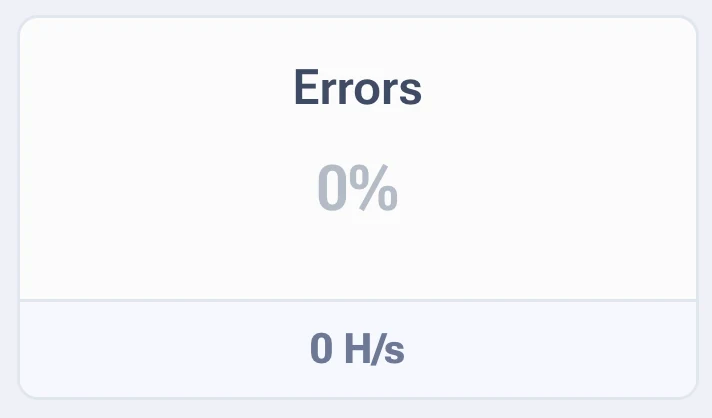
The widget counts the work the ASIC did for nothing. The pool does not accept those results, and the electricity for them is already spent.
Two values are shown: the share of errors in percent and the absolute figure in MH/s or GH/s. Percent is easier to work with, it does not depend on the model.
| Share of errors | What it means |
|---|---|
| below 0.1% | Good, the chips are running in a comfortable mode |
| 0.1 to 0.5% | The working norm for an overclocked ASIC |
| 0.5 to 2% | A lot. The profile is on the edge, step back a notch |
| above 2% | Some chips cannot keep up. Look for the specific board in the board table |
Where they come from
- Frequency too high for the current voltage. The most common cause after overclocking.
- Overheating. A hot chip starts making errors before the protection kicks in.
- Voltage sags. The power supply is at its limit or the mains is weak.
- Chip degradation. On an old ASIC errors grow gradually, over months.
- Poor ribbon cable contact. Errors then usually pile up on one board.
What to do when errors grow
- Open the board table and look at whether the errors are spread across all boards or gathered on one.
- Gathered on one, check that board: ribbon cables, power, cooling. From there it is hardware work.
- Spread across all of them, then it is the profile. Go one preset lower and watch for a day.
- Errors gone, go one step back up and add a little voltage instead of frequency.
- Nothing helped, run autotuning again. It will remap the chips to the current state of the ASIC.
Errors against hashrate
Plus 3% hashrate at 2% errors is a minus in money, not a plus. Always compare
accepted shares at the pool, not the number in the interface.
Quick answers
Errors showed up right after autotuning.
At the first stage of tuning that is normal: the system is probing the limits. If a day after it finishes the share of errors has not dropped below 0.5%, lower the profile.
One board has more errors than the other three put together.
Look at it on its own: ribbon cables, power, airflow. A hardware problem does not get cured with software settings.